
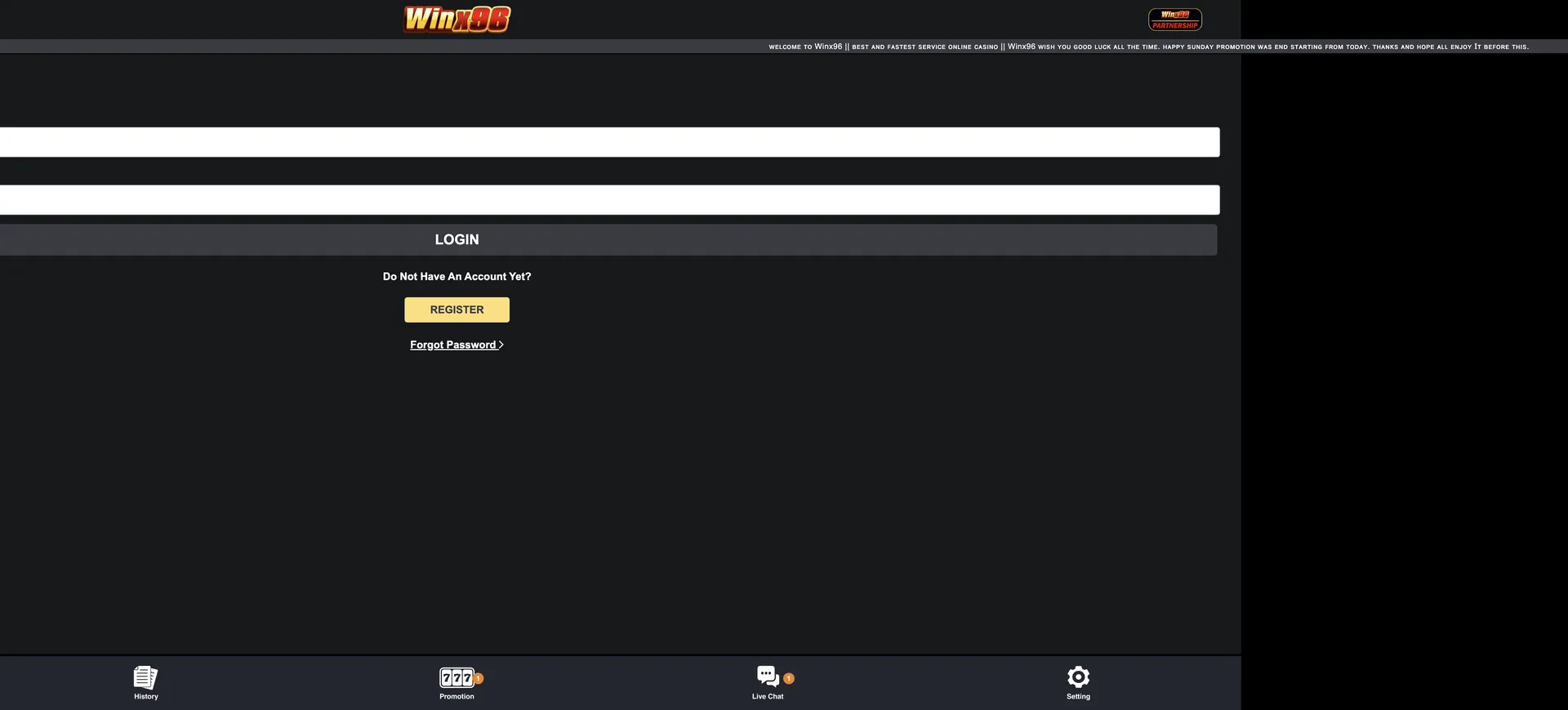
The same form works on desktop, in mobile browsers and in the PWA app. If the login fails, use the Forgot Password link under the form, try a mirror domain if the site does not load, or contact the 24/7 live chat.
The Winx96 account is protected by the password and by a strict ownership rule: the username must be the player's full name, matching the name on the bank account used for withdrawals. Signing in only through the official domains is the most effective way to keep the account safe, because copies of casino sites with similar names are common.
| Login essentials | Details |
|---|---|
| Where to log in | Login button in the account panel, top right on desktop |
| Official domains | winx96au.org, winx96.com, winx96.cc, winx96.io |
| Login method | Mobile No / Username + password |
| Mobile number format | 61 followed by the number, no plus sign (e.g. 614XXXXXXXX) |
| Password | 6-20 characters |
| Password reset | Forgot Password link under the login form |
| Device support | Desktop browsers, mobile browsers and PWA app |
| Verification | Username (full name) must match the bank account name |
| Currency | AUD |
| Support | 24/7 live chat |
How to log in to Winx96
The login form is short - two fields and one button - and is the same on every device. The account panel with the Login and Register buttons sits in the right-hand column on desktop and at the top of the screen on a phone.
Step-by-step Winx96 login
Signing in takes under a minute when the details are entered in the right format.
- Open winx96au.org or one of the official mirrors in your browser.
- Click the Login button in the account panel.
- In the Mobile No / Username field, enter your mobile number starting with 61 (without the leading 0 and without a plus sign) or your username.
- Enter your password in the Password field - between 6 and 20 characters, case-sensitive.
- Press LOGIN.
- Check that the account panel now shows your AUD balance with the Deposit, Withdraw and Refresh buttons.
Create an account if you do not have one
Below the LOGIN button, the form shows the line Do Not Have An Account Yet? with a yellow REGISTER button. New players use it to create a profile, after which the same credentials are used to log in.
Quick registration flow
Registration uses the same identifiers as the login form, so the details chosen here are the ones needed every time.
- Click REGISTER under the login form or in the account panel.
- Enter your Australian mobile number in 61 format.
- Set your username as your full name, exactly as on your bank account.
- Choose a password of 6-20 characters.
- Submit the form and claim the AUD 19.96 Register Free Bonus on the Promotion page.
Details of the free credit and the 100% welcome bonus are on the Winx96 bonus page.
Secure login practices
The Winx96 login form does not include a separate one-time code step, so the password and the domain you use carry most of the protection. A few habits keep the account safe.
- Use a unique password for Winx96 that is not shared with email or banking.
- Use the full 20-character limit with a mix of letters and numbers.
- Bookmark the official domain list and avoid links from unknown messages.
- Do not share login details with anyone, including people claiming to be support staff.
- Log out on shared computers and do not let the browser save the password there.
Winx96 password recovery
A forgotten password is reset from the Forgot Password link directly under the REGISTER button. The reset is tied to the mobile number on the account, so keep that number active.
Reset steps
The reset takes a few minutes and ends with a new password that works on all mirrors.
- Open the login form and click Forgot Password.
- Enter the mobile number registered on the account in 61 format.
- Follow the on-screen steps to confirm ownership of the number.
- Create a new password of 6-20 characters.
- Return to the login form and sign in with the new password.
If the mobile number on the account is no longer in use, the reset has to go through the 24/7 live chat, which will ask for details that confirm account ownership.
Mobile login
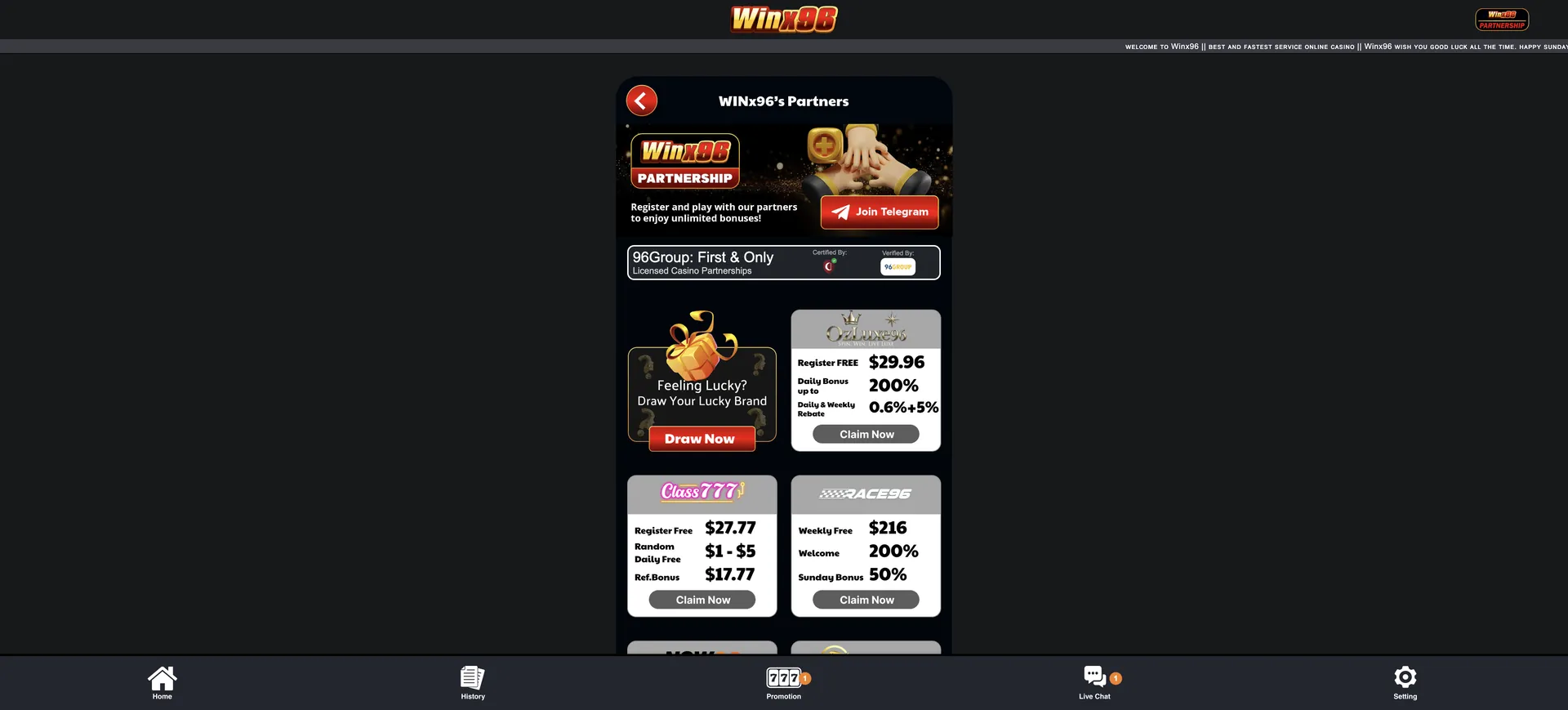
Winx96 is built for phones, so the login on mobile is identical to desktop: the account panel with Login and Register sits at the top, and the bottom bar gives quick access to Home, History, Promotion, Live Chat and Setting. Players who use the PWA app log in once and stay signed in between sessions.
Tips for mobile login
Most mobile login problems come from autofill and number formats rather than from the account itself.
- Check that autofill has not inserted the number with a leading 0 or a plus sign.
- Turn off auto-capitalisation if the password starts with a lowercase letter.
- Install the PWA app to avoid typing a domain every time - see the Winx96 app guide.
- Switch between Wi-Fi and mobile data if the page loads slowly.
Troubleshooting common Winx96 login errors
Login problems at Winx96 usually fall into four groups: wrong credentials, a blocked or changed domain, browser data, and account holds. Each has a quick fix.
Incorrect credentials
If the form rejects the details, the cause is most often the mobile number format. The field expects the number starting with 61 - for example 614XXXXXXXX - not 04XXXXXXXX and not +614XXXXXXXX. Passwords are case-sensitive, so check Caps Lock. After two or three failed attempts, use Forgot Password instead of guessing.
Site does not load or domain has changed
Winx96 has moved its main address to winx96au.org and keeps several official mirrors. If the usual address does not open, the account itself is fine - only the route has changed.
- Try winx96au.org, then winx96.com, winx96.cc and winx96.io.
- Use the Backup Domain link in the site footer once any mirror loads.
- Use the PWA app, which is advertised with 100% uptime.
Browser or cache issues
If the page loads but the form does not respond, or the session drops right after login, stored browser data or an extension is usually the cause.
- Clear the browser cache and cookies for the Winx96 domain and reload.
- Disable script or ad blockers for the site.
- Try another browser such as Chrome, Safari or Firefox.
Account on hold
An account can be restricted when the username does not match the bank account name, when there are duplicate accounts, or when a payout is under review. In these cases the login form may work but deposits or withdrawals do not. The fix goes through the 24/7 live chat, which accepts file attachments for ID or bank statements.
What you access after Winx96 login
After signing in, the account panel shows the AUD balance and the bottom bar becomes the main navigation. Everything the account offers is one or two taps away.
- Balance panel: AUD balance with Deposit, Withdraw and Refresh buttons, plus the AUD 50 minimum deposit and AUD 100 minimum withdrawal.
- Lobby: Hot Games, Slot, Live, Sports and Other categories.
- History: records of deposits, withdrawals and game activity.
- Promotion: free credit, slot bonuses, quests and VIP Free rewards.
- Live Chat: 24/7 support with file attachments.
- Setting: account preferences.
- Referral block: referrer link and Share button for the AUD 19.96 referral reward.
Account verification after login
Winx96 checks ownership mainly by matching names: the full-name username must match the name on the bank account used for deposits and withdrawals. The check usually comes up at the first withdrawal. If the names differ, the payout is held until support confirms the details, which may require a copy of photo ID and a bank statement showing the account name. Further documents can be requested for large withdrawals. Withdrawal rules are covered in detail on the Winx96 withdrawal page.
Winx96 login FAQ
Short answers to the most common sign-in questions from Australian players.
What do I enter in the Winx96 login field?
Enter either your mobile number in 61 format without a plus sign (for example 614XXXXXXXX) or your username, then your 6-20 character password.
Why does Winx96 login say my details are wrong?
Most often the number was entered as 04… or +61… instead of 61…, or the password case is wrong. Re-enter the number in 61 format and check Caps Lock before resetting the password.
Can I log in to Winx96 on a mirror site?
Yes. winx96au.org, winx96.com, winx96.cc and winx96.io are listed as official and share the same accounts and balances.
How do I reset my Winx96 password?
Click Forgot Password under the login form, enter your registered mobile number and follow the on-screen steps. If you no longer use that number, contact live chat.
Does Winx96 have two-factor authentication?
The login form uses a mobile number or username and a password without a separate code step. A strong unique password and official domains are the main protection.
Can I stay logged in on my phone?
Yes. The PWA app and mobile browsers keep the session active between visits unless you log out or clear browser data.
Who do I contact if I cannot log in to Winx96?
Use the 24/7 live chat from the bottom bar or the footer. It is available even when you are not signed in.
Updated on 2 November 2026.